
 ChatGPT
 Perplexity
 Claude
 Grok

When people talk about AI assistants, ChatGPT is usually the first name that comes up. For many, Claude is still just a name they’ve read somewhere—perhaps in a comparison, or perhaps in a mention that Microsoft Copilot has recently started using Claude models. Yet Claude has long been one of the most widely used AI assistants in businesses and is considered particularly strong when it comes to writing, programming, and longer work tasks.
This article explains what Claude is, who developed it, what models are available, what Claude can do in everyday work, and how much it costs.
What is Claude?
Claude is an AI assistant developed by the U.S. company Anthropic. You can chat with Claude, write texts, analyze documents and data, and assign entire tasks in which Claude works with your files and delivers finished results. Claude runs in the browser, as a desktop and mobile app, and is available to developers via an API.
There are two things behind the name: the app you use, and a family of language models that power this app and many other products.
Who is behind Claude?
Anthropic was founded in San Francisco in 2021 by, among others, Dario and Daniela Amodei, who had previously worked at OpenAI. The company is organized as a public benefit corporation—that is, a corporation that explicitly pursues a public benefit purpose in addition to making a profit. Anthropic describes its mission as ensuring a safe transition to advanced AI.
This approach defines the product. Anthropic publishes detailed safety reports for each major model and has models tested by external auditors before their launch. Of interest to European companies: According to Anthropic, the current models include watermarking measures to meet the requirements of the EU AI Act.
By the end of October 2026, Anthropic will also have submitted the documents for an initial public offering. The plan is to list the company on the Nasdaq.
What Claude models are available?
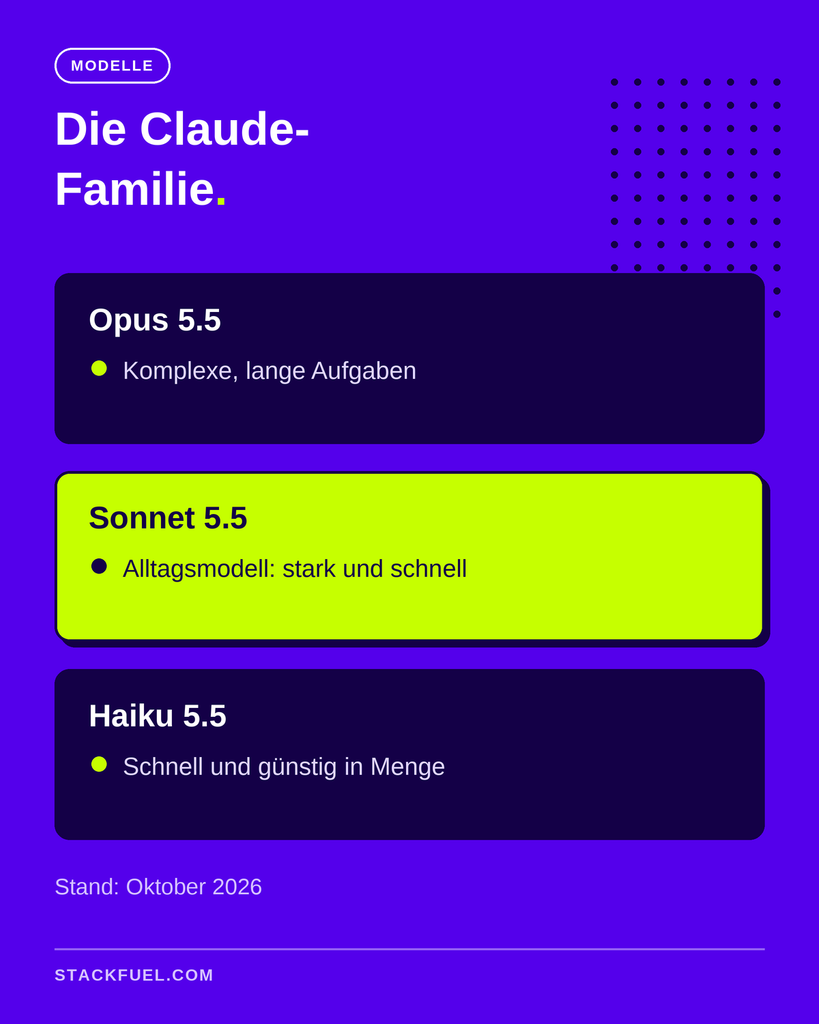
Claude models come in three sizes. Larger models are more powerful, while smaller ones are faster and more affordable. The current generation is Claude 5.5 (as of October 2026):
| Model | Published | Strength |
|---|---|---|
| Claude Opus 5.5 | September 2026 | the most challenging tasks, long agent runs, programming |
| Claude Sonnet 5.5 | September 2026 | An everyday model offering a good balance of performance and speed |
| Claude Haiku 5.5 | October 2026 | Fast, affordable tasks in large quantities |
In addition, Claude Fable 5.1 is a particularly powerful model designed for specific applications. Anthropic provides the Introduction to Opus 5.5 ...that it matches the performance of Fable 5.1 on most tasks while running at a cost that is about 40 percent lower than its predecessor.
In everyday use, you don't have to worry much about choosing a model. The Claude app has a useful default model preset, and you can switch to a different one if needed.
What can Claude do in his day-to-day work?
For a long time, Claude was available in several separate modes. Since September 2026, Anthropic has combined Chat and the agent-based Cowork mode combined into a single Claude app. So you no longer have to decide in advance whether to ask a question or submit an assignment. Claude can tell from the task. The transition is happening in stages, starting with the Pro and Max plans, as well as Enterprise customers; Team and Free will follow.
In day-to-day work, this means, above all:
- Questions and Texts: explain, summarize, formulate, revise. Claude is considered particularly skilled at writing in a natural style.
- Files and Data: Claude reads spreadsheets, PDFs, and documents and uses them to create new files, such as Excel analyses, reports, or presentations.
- Complete assignments: Claude plans multi-step tasks, works with shared folders and integrated tools, and delivers a finished result.
- Links to Tools: Claude connects to services such as Google Drive, Slack, and Microsoft 365 via Connectors.
- Skills: Saved instructions that Claude uses to perform recurring tasks the same way every time.
For software development, there are also Claude Code, an agent that works directly within code projects. It is one of Anthropic's best-known products and has played a major role in making Claude widely adopted among development teams.
And even if you never open Claude directly, you might already be using it: Microsoft offers Claude models in Microsoft 365 Copilot, and the Copilot agent for longer tasks has been Developed in collaboration with Anthropic.
How much does Claude cost?
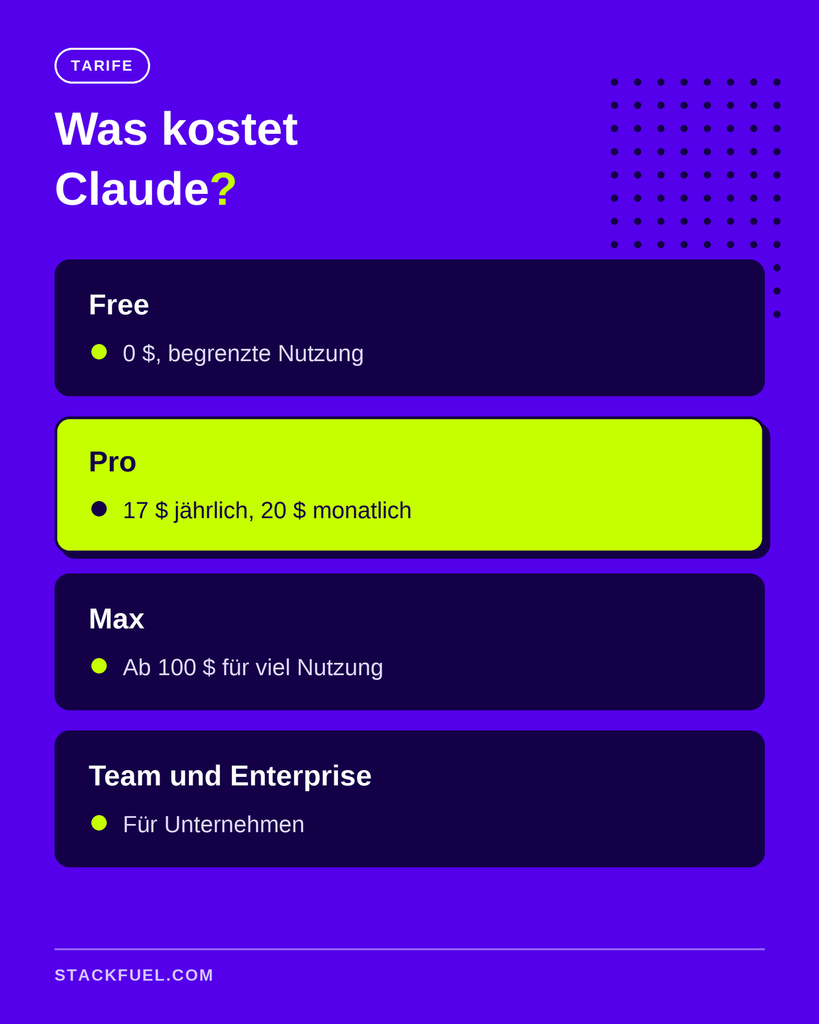
Claude is available for free and through several paid plans. As of October 2026, according to Claude's Pricing Page:
- Free: Free, with limited use
- Pros: $17 per month when paying annually, or $20 when paying monthly
- Max: Starting at $100 per month, for very heavy use
- Team: For teams, starting at $20 per person per month with annual billing
- Enterprise: For companies with their own security and administrative functions
For individuals who want to use Claude regularly for work, the Pro plan is usually the best place to start. Businesses should opt for the Team or Enterprise plans so that administration, data protection, and billing can be managed centrally.
How is Claude different from ChatGPT?
The two assistants are now very similar in terms of their basic functions: Both can chat, write, analyze files, and complete entire tasks. The differences are more evident in the details and in the user experience.
Letter: Many users find Claude's text to be more natural and less formulaic. Anthropic has specifically improved communication in Opus 5.5 so that important information is highlighted and responses are easier to verify.
Programming: Claude Code is widely used by development teams; ChatGPT offers a similar service called Codex.
App Structure: Since September 2026, Claude has combined chat and agent-based tasks into a single interface. ChatGPT still separates the two modes into the "Chat" and "Work" sections.
Images and Media: ChatGPT has traditionally offered more built-in features related to image generation.
Which assistant is better suited for which task depends heavily on the intended use. Our article provides a detailed comparison that includes Gemini as a third candidate. Comparison of ChatGPT, Gemini, and Claude. The Overview of the Most Important AI Tools in.
How do you get started with Claude?
Getting started is easy. Create a free account on claude.ai or download the desktop app, which is the better option for working with files on your computer. To get started, just follow these three steps:
- Start with a real task: Don't use a practice question; instead, choose something from your everyday life—such as a report you need to summarize or a table you want to analyze.
- Provide context: Explain who the result is for, what format you need, and what absolutely must not happen. The more Claude knows about the purpose, the better the result will be.
- Refine rather than start over: If something isn't right, tell Claude exactly what it is. Making corrections during the same conversation gets you to your goal faster than trying again.
If you notice that a task repeats every week, you can save the process as a skill later. Then Claude will complete it the same way every time.
Who would benefit from Claude?
Claude is a great tool for anyone who writes a lot, works extensively with documents and data, or wants to delegate recurring tasks. People in marketing, analytics, project management, and software development will benefit the most. If you work in the field of data, you’ll find examples of how Claude and other assistants can help with day-to-day analytics tasks in the article at AI Tools for Data Analysts.
More important than choosing the right assistant, however, is how well you use it. If you can formulate clear tasks, review results, and document workflows as skills, you’ll get much more out of Claude. These are exactly the skills employers are increasingly looking for.
If you want to build your skills in a structured way, StackFuel offers training in AI specialist, which covers the practical use of AI assistants like Claude and ChatGPT in the workplace. It is one of the AI Continuing Education offered by StackFuel, which last one to two months full-time or three to four months part-time. StackFuel has been AZAV-certified since 2020. Funding through the education voucher is possible, but there is no legal entitlement to it.
Frequently Asked Questions About Claude
Is Claude free? Yes, there is a free version with limited functionality. For regular work, we recommend the Pro plan, which costs $17 per month when billed annually or $20 per month when billed monthly.
Does Claude speak German? Yes. Claude understands and writes German at a high level. You can submit requests in German and receive responses in German.
Who developed Claude? Claude was developed by Anthropic, an AI company based in San Francisco that was founded in 2021. Anthropic is organized as a public benefit corporation.
What is the difference between Claude and Claude Code? Claude is the general-purpose assistant for questions, texts, files, and tasks. Claude Code is a specialized agent for software development that works directly within code projects.
What happened to Claude Cowork? Cowork was Claude's agent-based working mode. Since September 2026, Chat and Cowork have been merged into a single Claude app. The transition is taking place gradually for all plans.
Is Claude secure for company data? The Team and Enterprise plans include administrative and data protection features for businesses. Your employer decides which data you are allowed to use.
Your Next Step
Try out Claude on a real-life task from your daily work—such as a report or data analysis—and compare the results with the tool you’ve been using. If you want to learn how to use AI assistants professionally in your job and would like to know whether a subsidized training program is right for you, Schedule a free consultation.